The best baby monitor is not automatically the one with the most features. The real winner is the monitor you can trust at 2:00 a.m. without app glitches, pairing issues, or confusing alerts.
Parents usually choose between three paths: non-WiFi video for privacy and simplicity, WiFi smart monitors for remote viewing, or basic audio monitors for low-cost reliability. Once you choose the path, shopping gets much easier.
For more baby comparisons, see Baby & Parenting, browse all buying resources in our blog, and review editorial transparency on Brand Facts.
Best Baby Monitor Quick Answer
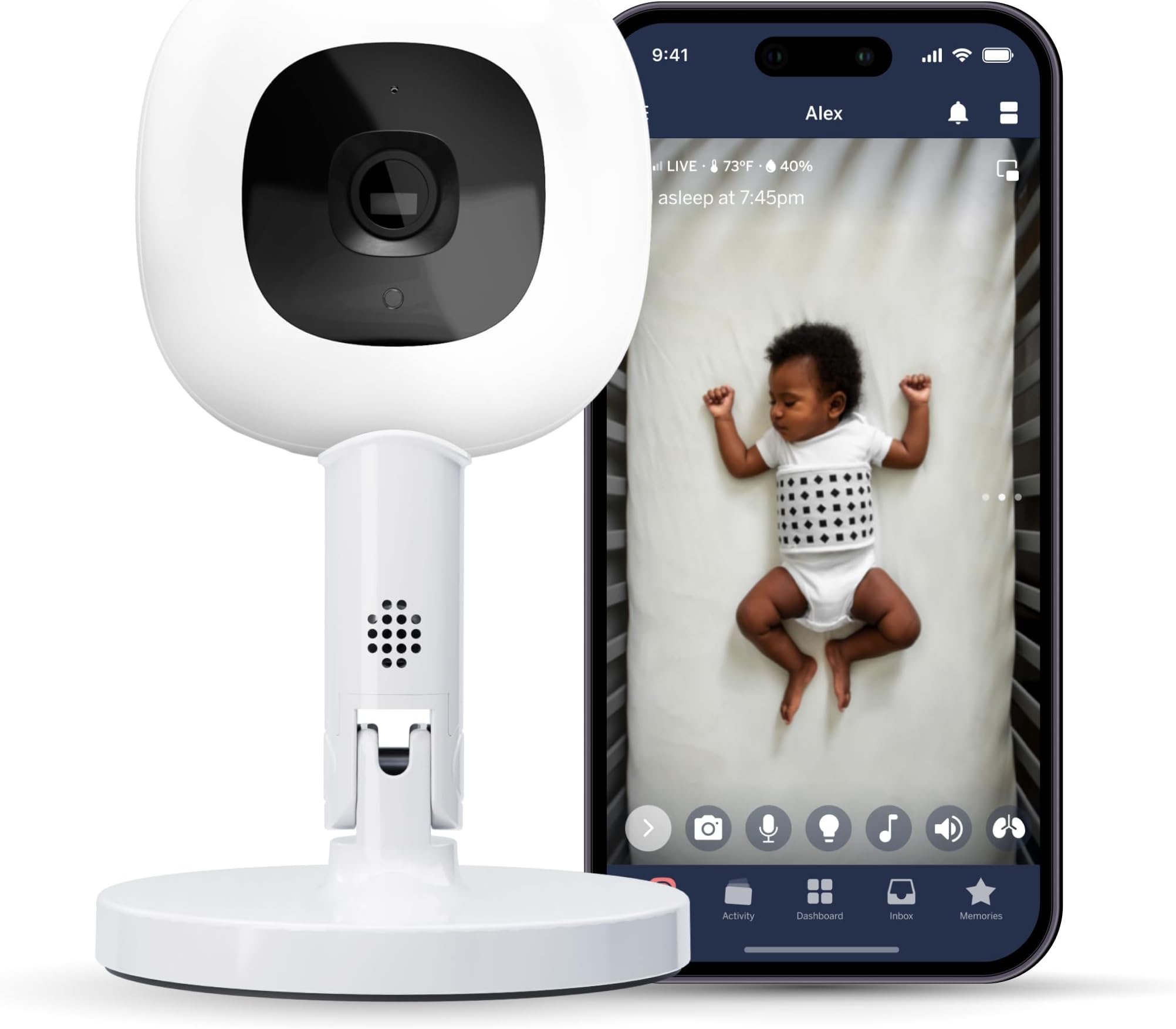
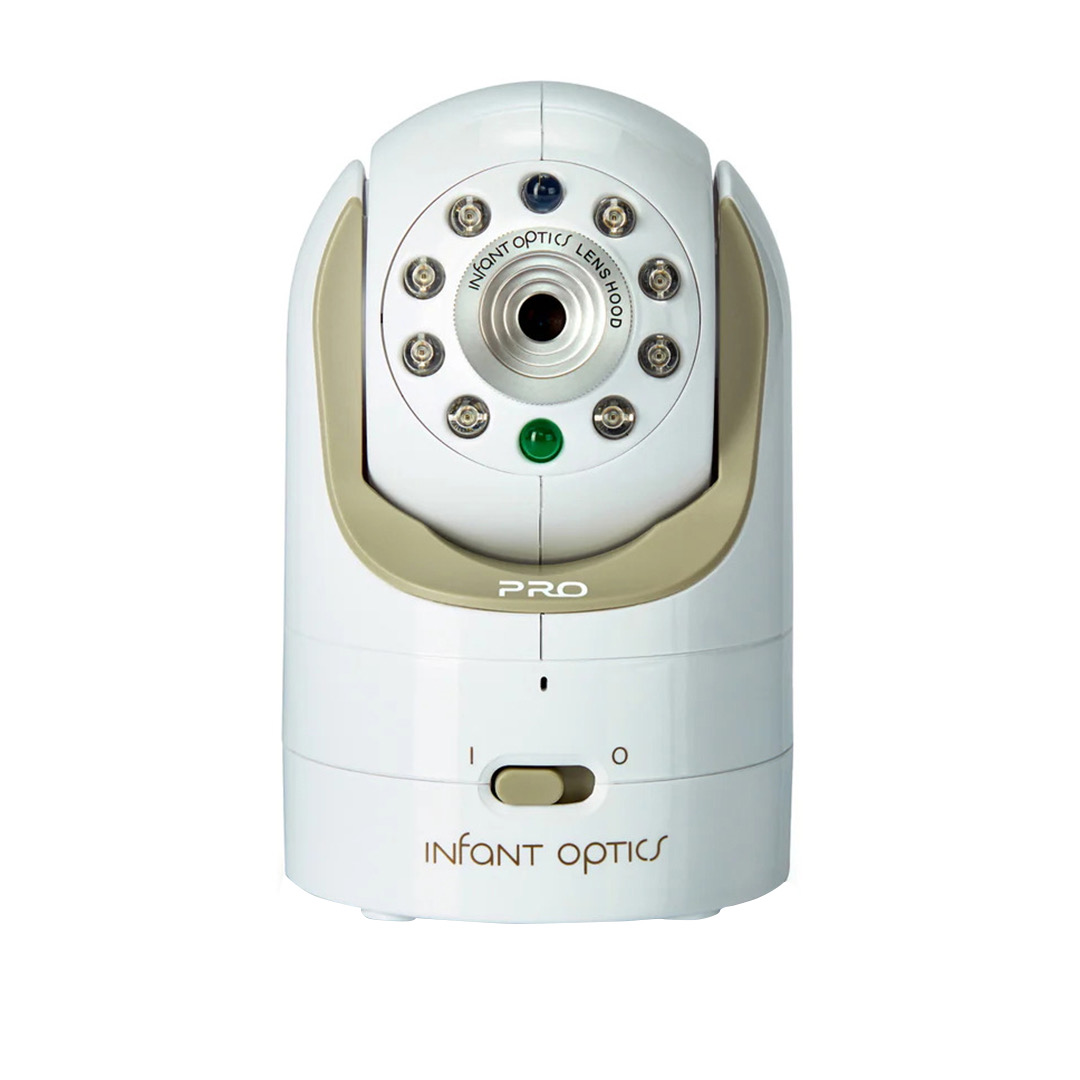
For most parents, Infant Optics DXR-8 PRO is the safest default because non-WiFi local video cuts complexity and avoids many privacy concerns tied to cloud-connected cameras. If remote phone viewing matters more, Nanit Pro is the best smart upgrade.
If you are also selecting everyday mobility gear, compare this page with our best baby strollers guide. For feeding-related setup decisions, our best wearable breast pumps ranking is another helpful companion.
5 Key Factors That Matter Most
- Connection type: Non-WiFi systems are usually easier and more private, while WiFi systems add remote access and smart alerts.
- Video and night vision quality: Clear low-light footage matters for overnight checks without entering the room.
- Range and battery life: Larger homes need strong signal performance and dependable parent-unit runtime.
- Alert quality: Sound, motion, and temperature alerts are useful only when they are reliable and not excessive.
- Security and privacy setup: Password quality, firmware updates, and account controls matter for connected cameras.
How We Built This Ranking
We did not run signal-lab testing in multiple homes. This ranking combines independent roundup analysis, manufacturer specs, user-review trend patterns, and practical ownership factors such as setup friction, nightly reliability, and long-term app stability.
We weighted real parent pain points heavily: delayed audio, dropped connections, short battery life, and false alerts. We also intentionally included non-WiFi, WiFi, audio-only, and wearable categories so families with different comfort levels can compare the right type, not just the most expensive model.
Safety note: baby monitors support supervision routines but do not replace safe sleep practices or direct caregiver judgment.
WiFi Video vs Non-WiFi Video vs Audio-Only: Which Is Better?
Non-WiFi video monitors are usually the best balance for many parents. They offer live nursery video without internet dependence, so setup is fast and privacy risk is lower.
WiFi smart monitors are better if you need remote viewing from outside home or want app-based alerts and sleep analytics. The tradeoff is account management, network dependence, and potential subscription cost.
Audio-only monitors still make sense for budget-focused families or backup travel kits. You lose visual confirmation, but reliability can be excellent and setup is simple.
Wearable systems add another layer. They can provide extra trend data, but they are not a substitute for pediatric care and can feel overwhelming for some parents.
Buying Guide: How to Choose the Right Baby Monitor
1) Pick Your Security and Connectivity Comfort Level
Start with a simple question: do you want a monitor that works only on local signal, or do you need remote app access outside your home? If remote access is not essential, non-WiFi systems are often easier to trust and maintain.
If you choose WiFi, treat setup like any connected home device. Use strong unique passwords, enable two-factor authentication where available, and keep firmware updated.
2) Match Hardware to Home Layout and Night Routine
Signal reliability changes by wall type, floor count, and distance from nursery to bedroom. Parent-unit battery life also matters if you move around the house during naps.
For larger homes, prioritize proven range and clear low-battery alerts. For apartment use, screen quality and night vision clarity may matter more than extreme range specs.
3) Use Features That Lower Stress, Not Increase It
A good monitor should reduce mental load. If alerts are too frequent or too vague, parents often stop trusting them. Choose the simplest alert set you will actually respond to.
Wearable and smart analytics can be useful for trend tracking, but they should not replace pediatric guidance or make you feel forced to check data constantly. Build a setup that supports calm, consistent caregiving.
If you are finalizing your on-the-go setup too, pair monitor decisions with stroller planning in our best baby stroller guide.
First-Week Monitor Setup Routine
Set up your monitor during daytime first, not at bedtime. Confirm camera angle, audio clarity, and signal strength from the exact room where caregivers sleep.
Night one should focus on reliability, not advanced analytics. Start with essential alerts only (sound, signal loss, low battery), then add extra notifications later if needed.
For WiFi monitors, complete security basics immediately: change default credentials, enable two-factor authentication when available, and update firmware.
After three to five nights, review whether alerts were useful or noisy. A calmer, simpler setup usually outperforms an overconfigured monitor with constant false alarms.
Frequently Asked Questions
Do most parents need WiFi monitoring or just local video?
If you mostly monitor from home, local non-WiFi video is often enough and can be simpler to manage. WiFi is most useful when remote viewing outside home is a real routine need.
Are wearable baby monitors required for safe sleep?
No. Wearables can provide extra data for some families, but they are not required for safe sleep basics and should not replace pediatric guidance.
How can I improve baby monitor security for WiFi models?
Use unique passwords, enable two-factor authentication when available, keep firmware updated, and avoid sharing account access broadly.
What matters more: camera resolution or signal stability?
Signal stability and reliable alerts usually matter more in daily use. A high-resolution stream is less useful if lag, disconnections, or weak range are frequent.
Should I buy one monitor or two cameras?
Start with one reliable setup and expand only if your home layout or sleep routine proves it is necessary. More devices can add complexity without meaningful benefit.
Who Each Pick Is Best For
1) Infant Optics DXR-8 PRO (Best Overall)
Best for parents who want dependable local monitoring without cloud account complexity.
2) Nanit Pro Smart Baby Monitor (Best Smart WiFi Monitor)
Best for households that value remote viewing and app-centric sleep analytics.
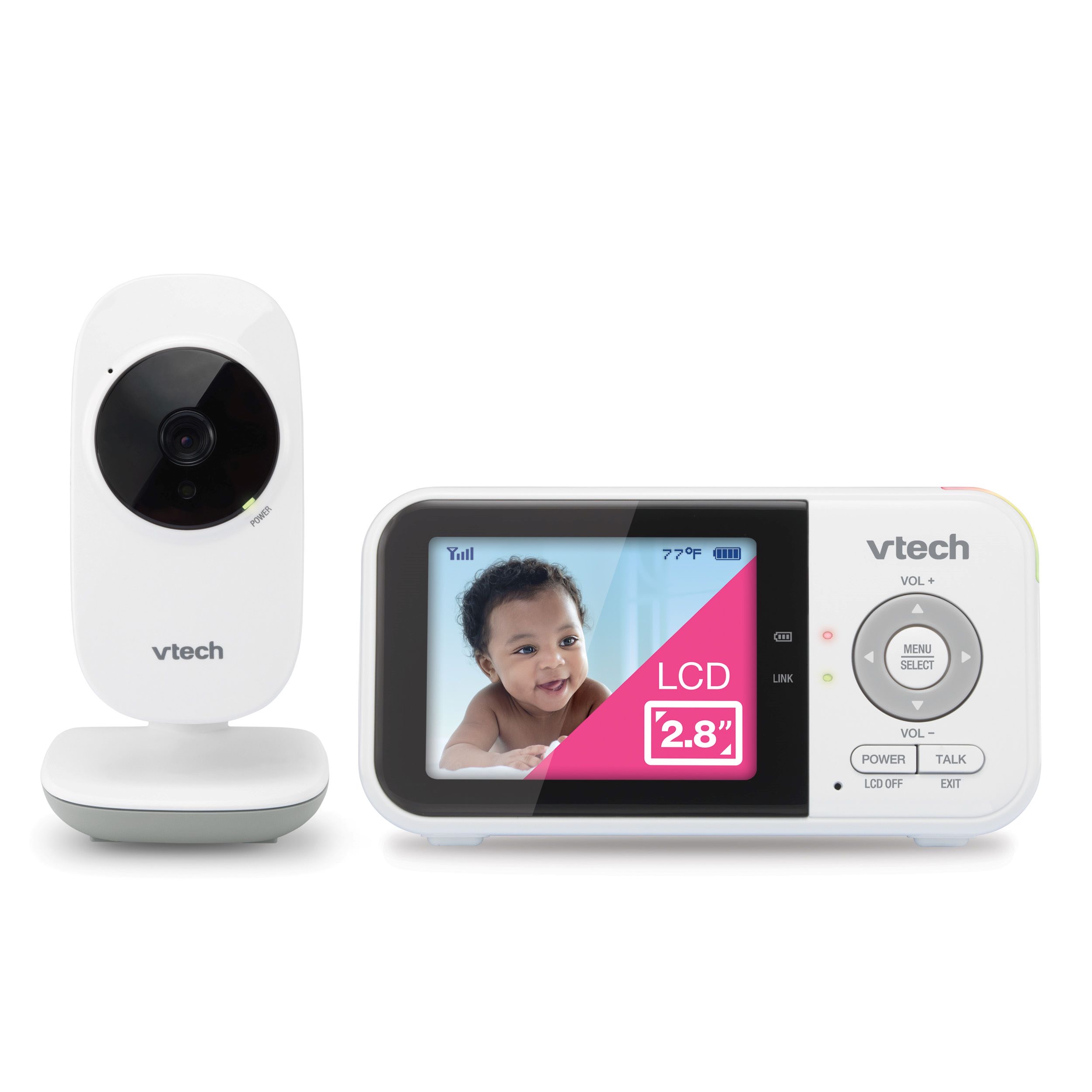
3) VTech VM819 Video Baby Monitor (Best Value)
Best for budget-conscious families wanting simple video coverage and local operation.
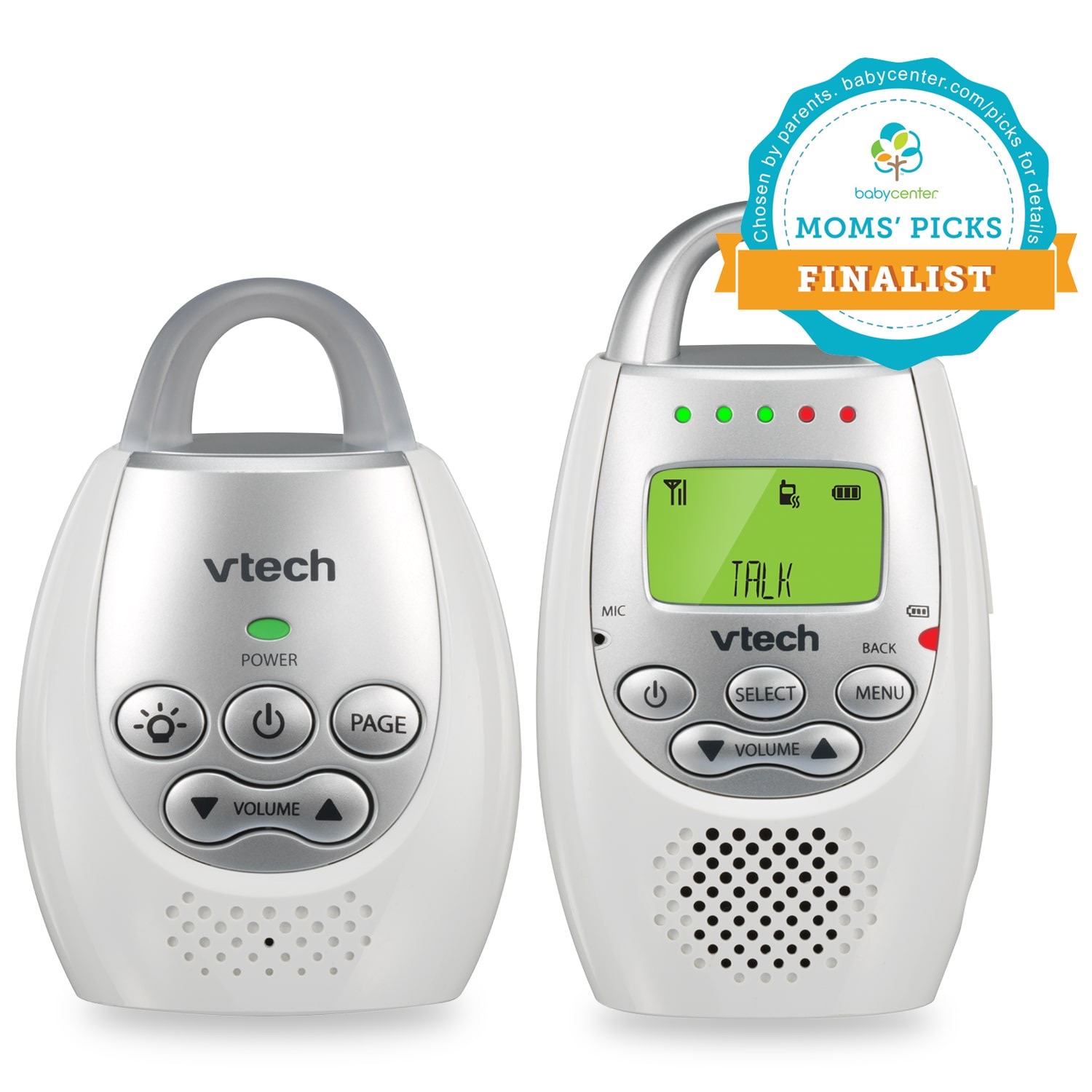
4) VTech DM221 Audio Baby Monitor (Best Audio-Only)
Best for families who prefer minimal setup and straightforward audio monitoring.
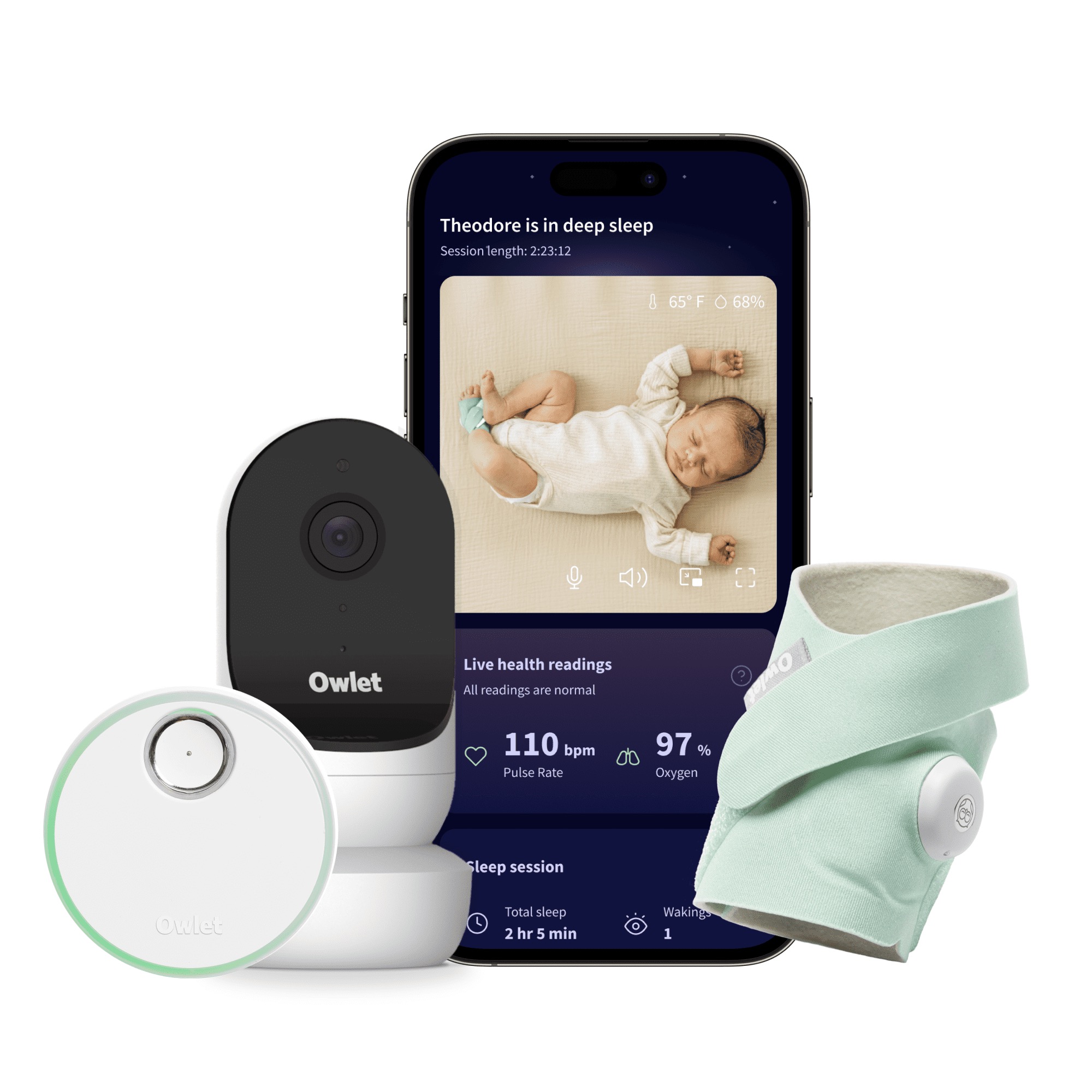
5) Owlet Dream Duo 2 (Best Wearable + Camera System)
Best for parents specifically seeking wearable plus camera tracking in one ecosystem.
Common Buying Mistakes for Baby Monitor
- Paying for features you will not use weekly. Simpler systems often produce better day-to-day confidence.
- Ignoring home layout signal testing. Range claims do not reflect every wall and floor configuration.
- Treating app data as medical diagnosis. Consumer monitor metrics should not replace clinical care.
- Underestimating alert fatigue. Too many notifications can reduce trust and response quality.
- Skipping security hygiene on WiFi models. Password and firmware discipline matter.
Nursery Monitoring Setup Checklist
- Test night vision and audio from the actual parent sleep location.
- Confirm low-battery and disconnection alerts are clear.
- Set only essential alerts for the first week, then adjust.
- Review placement for safe cable and crib distance.
Last updated: March 1, 2026. Prices and availability subject to change.