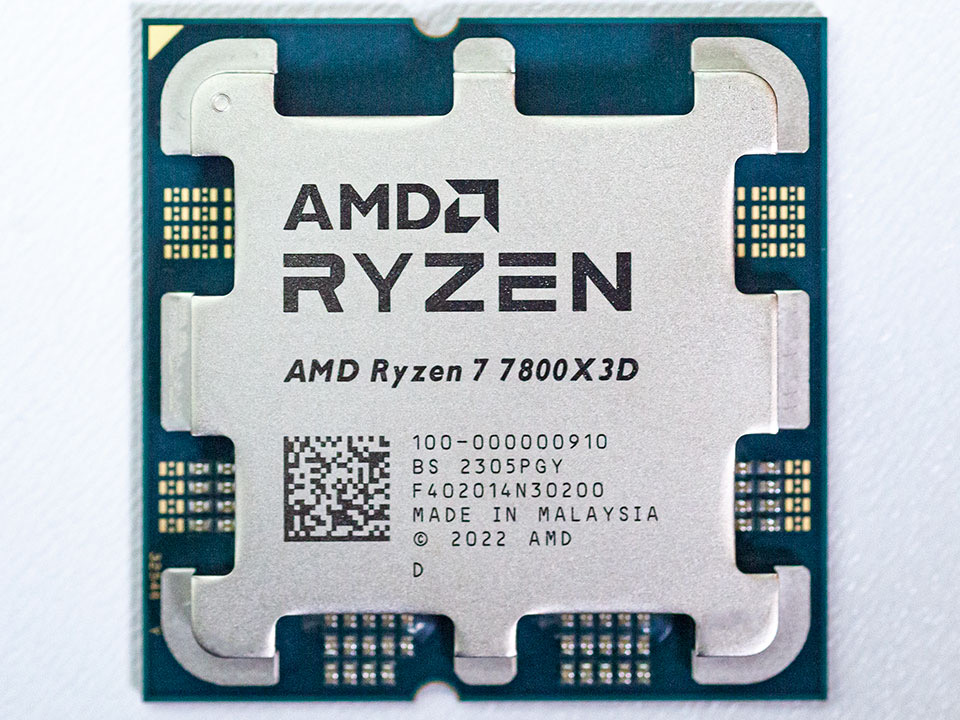
The best cpu for gaming is not always the most expensive model. You get better results by matching your processor to your target resolution, GPU tier, and frame-rate goal. A top-tier chip can still be wasted if you pair it with a midrange graphics card and a 60 Hz monitor.
Most builders should focus on gaming performance per dollar, platform cost, and cooling requirements. That means checking motherboard pricing, memory type, and power draw, not just headline boost clocks.
For more tech comparisons, see Tech & Office, browse all buying resources in our blog, and review editorial transparency on Brand Facts.
Best CPU for Gaming Quick Answer
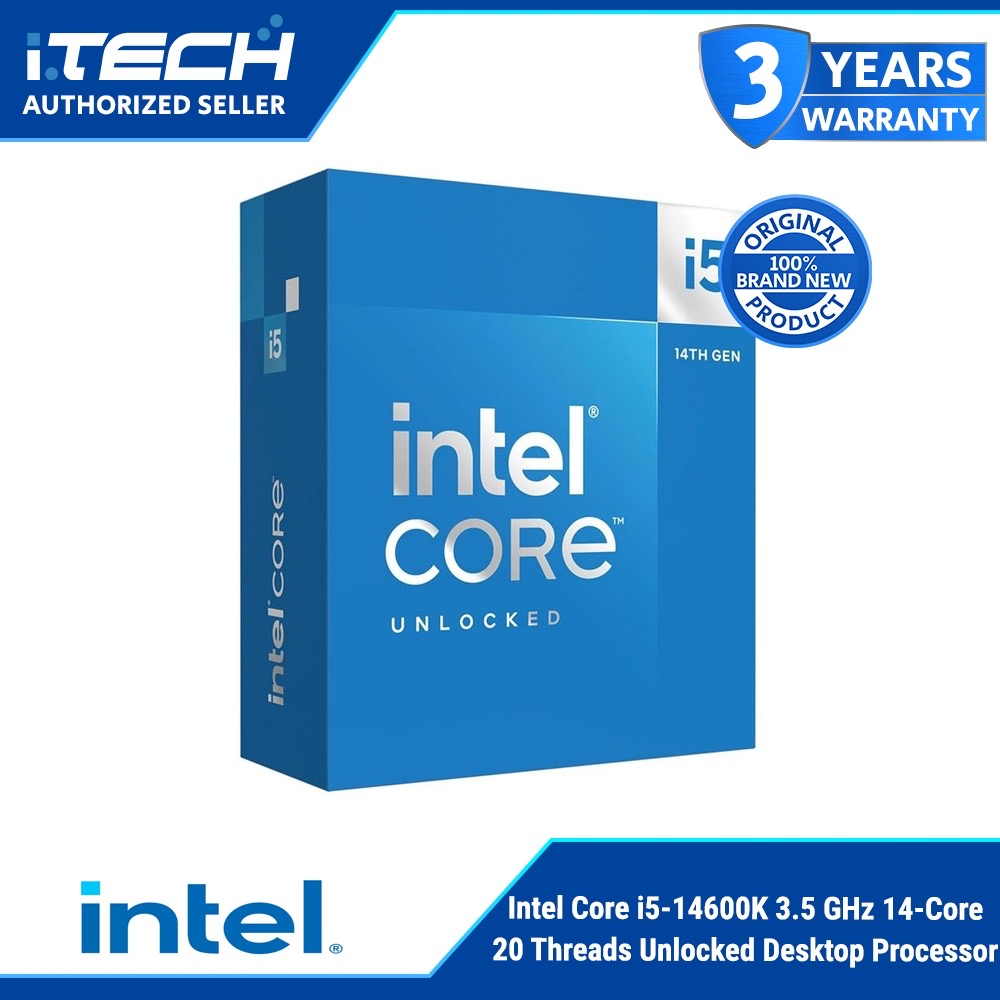
For most gamers, Ryzen 7 7800X3D is the best cpu for gaming because it delivers top-tier frame consistency with very strong efficiency. If you want a lower-cost mixed-use pick, Intel Core i5-14600K is the best value option.
If your setup also includes streaming and team comms, pair CPU planning with our best wireless gaming headsets guide. If your PC is part of a home office workflow too, compare peripherals in our best home printer picks.
5 Key Factors That Matter Most
- Gaming architecture efficiency: Cache design and latency behavior can matter more than raw core count in many games.
- Core and thread balance: Competitive gaming can run well on fewer cores, while streaming and multitasking benefit from more threads.
- Platform cost and lifespan: Socket longevity and motherboard pricing affect total build value.
- Power and cooling demand: Higher-watt chips need better cooling and stronger power delivery.
- Price tier fit: The right value bracket depends on whether your target is budget 1080p or high-refresh 1440p and 4K.
How We Built This Ranking
We did not run in-house synthetic benchmark suites. This ranking combines independent benchmark roundup trends, manufacturer specifications, user build feedback, and practical ownership criteria including platform cost, thermal behavior, and upgrade flexibility.
We weighted gaming frame consistency and price-to-performance first, then factored multitasking headroom for streaming and mixed-use workloads. We also considered platform realities like motherboard cost, DDR5 vs DDR4 scenarios, and cooling burden.
The final list includes budget, midrange, and enthusiast tiers so builders can choose based on actual goals rather than hype.
AMD Ryzen vs Intel Core for Gaming
AMD Ryzen X3D chips often lead on gaming consistency and efficiency due to larger cache design.
Intel Core K-series chips remain excellent in mixed workloads and can deliver very high frame rates, but often at higher power draw.
For pure gaming value, cache-optimized Ryzen options are usually the safer default. For gaming plus heavier background workloads and certain platform preferences, Intel can still be the better fit.
Buying Guide: How to Choose the Right Gaming CPU
1) Start With Your GPU and Monitor Targets
If you play at 1440p or 4K with a stronger GPU, CPU differences compress in many titles. At 1080p high refresh, CPU choice matters more and can be a real bottleneck.
Choose CPU tier based on your target frame rate, not only on what is newest.
2) Budget for Platform and Cooling, Not Only the Chip
A processor is one line item. You also pay for motherboard, memory, and cooler requirements. Some high-performance CPUs need stronger cooling and board VRMs, which raises total build cost quickly.
If total budget is tight, a lower-tier CPU paired with a better GPU often yields better gaming results than the reverse.
3) Pick for Your Full Use Case
If you game and stream, extra cores and threads can smooth multitasking. If you mostly game, prioritize gaming latency and cache performance.
For a complete setup plan, align your build with accessories like our wireless gaming headset recommendations, and if your system doubles as work hardware, include essentials from our home printer guide.
Resolution-First CPU Planning
A simple way to avoid overspending is choosing CPU tier from your real resolution and refresh target.
For 1080p high-refresh competitive gaming, CPU headroom matters more because frame rates are high and GPU bottlenecks are lower in many titles. In this scenario, stronger gaming-focused CPUs can show clearer gains in frame consistency.
For 1440p and especially 4K, GPU load usually dominates in modern games. Many builds here benefit more from allocating extra budget to graphics, cooling, or monitor quality rather than jumping to the highest CPU tier.
If you stream or run background workloads while gaming, include that in planning early. Core/thread headroom and cooling stability become more important than pure gaming benchmarks alone.
The best upgrade path is balanced: set target FPS, pick GPU for that target, then choose the CPU that keeps frame-time stability without consuming budget needed elsewhere.
Platform Longevity and Upgrade Timing
CPU value is also about how long the platform stays practical for future upgrades. Motherboard features, BIOS support cadence, and memory compatibility can matter as much as launch benchmarks.
If you upgrade in stages, choose a platform path that lets you swap GPU first and CPU later without replacing everything at once. This often provides better long-term value than buying top-tier CPU immediately.
It also lowers upgrade friction when pricing shifts across generations.
Frequently Asked Questions
What matters more for gaming FPS: CPU or GPU?
It depends on resolution and target frame rate. At higher resolutions, GPU often dominates; at high-refresh 1080p, CPU limits appear sooner.
Do I need more than 8 cores for gaming?
For gaming-only builds, not always. Extra cores help more when streaming, recording, or multitasking heavily.
Is AMD or Intel better right now for gaming value?
Both can be strong. Final value depends on total platform cost, cooling, and your mixed workload needs.
Should I buy the highest-end CPU for "future proofing"?
Not usually. Balanced GPU/CPU allocation often delivers better real gaming value.
How important is cooling for modern gaming CPUs?
Very important. Thermal limits affect sustained clocks, frame consistency, and noise.
Who Each Pick Is Best For
1) AMD Ryzen 7 7800X3D (Best Overall)
Best for gaming-first builds focused on strong frame consistency and efficiency.
2) Intel Core i5-14600K (Best Value)
Best for users wanting high gaming value with good mixed-use headroom.
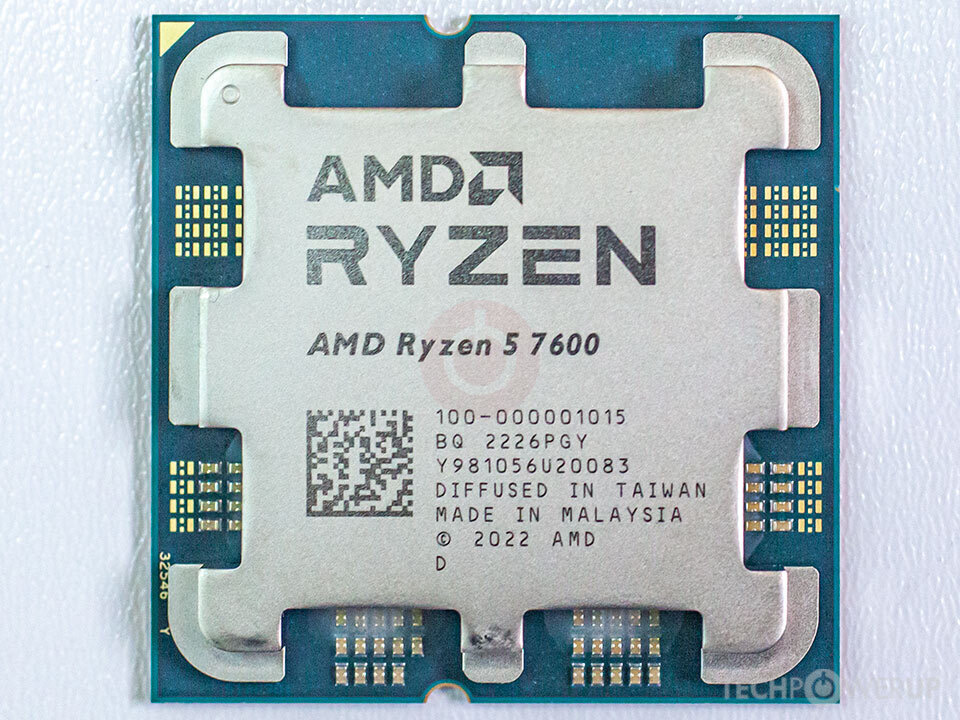
3) AMD Ryzen 5 7600 (Best Budget Gaming CPU)
Best for budget builds where GPU budget remains the top performance lever.
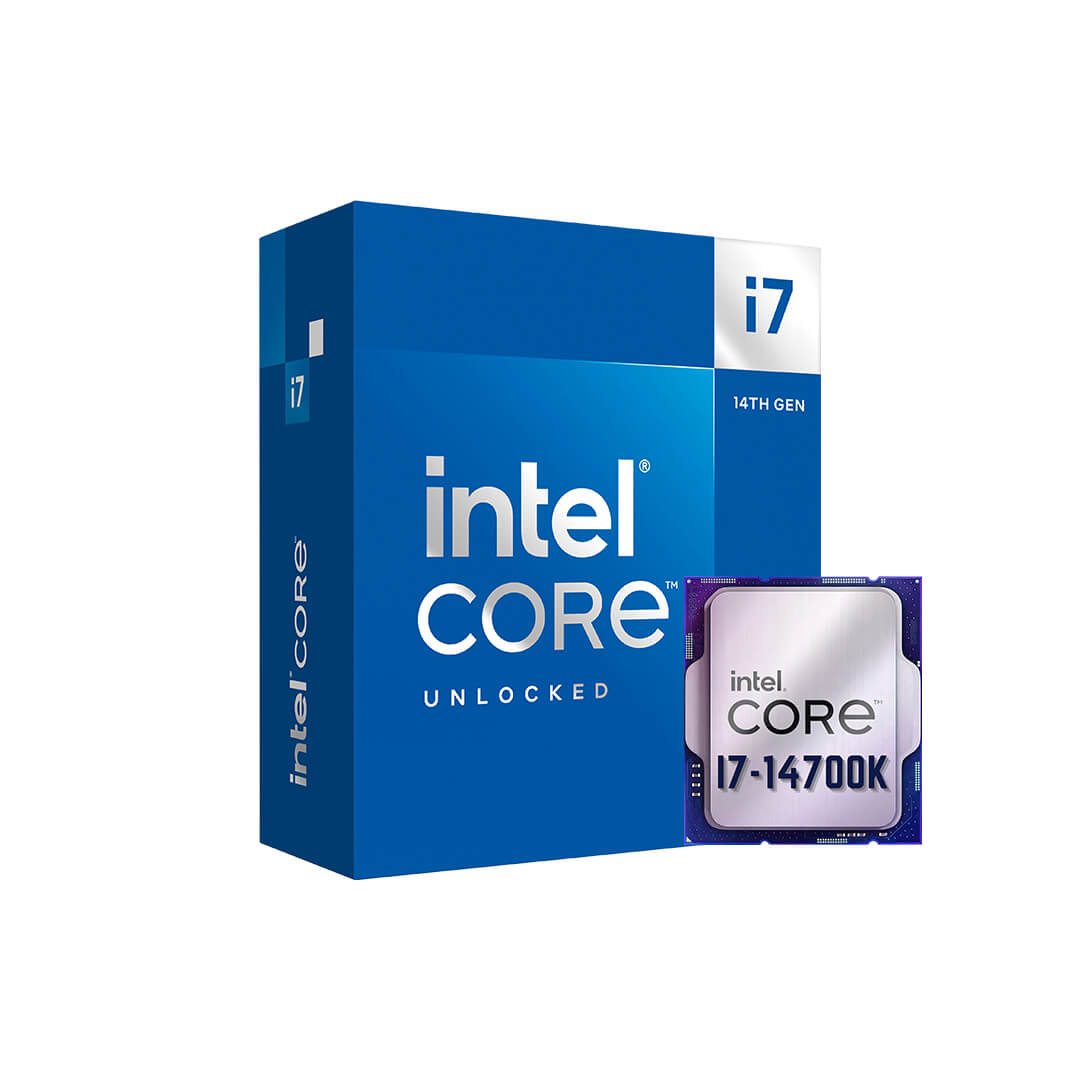
4) Intel Core i7-14700K (Best for Gaming + Streaming)
Best for gamers who also stream or run heavier productivity tasks.
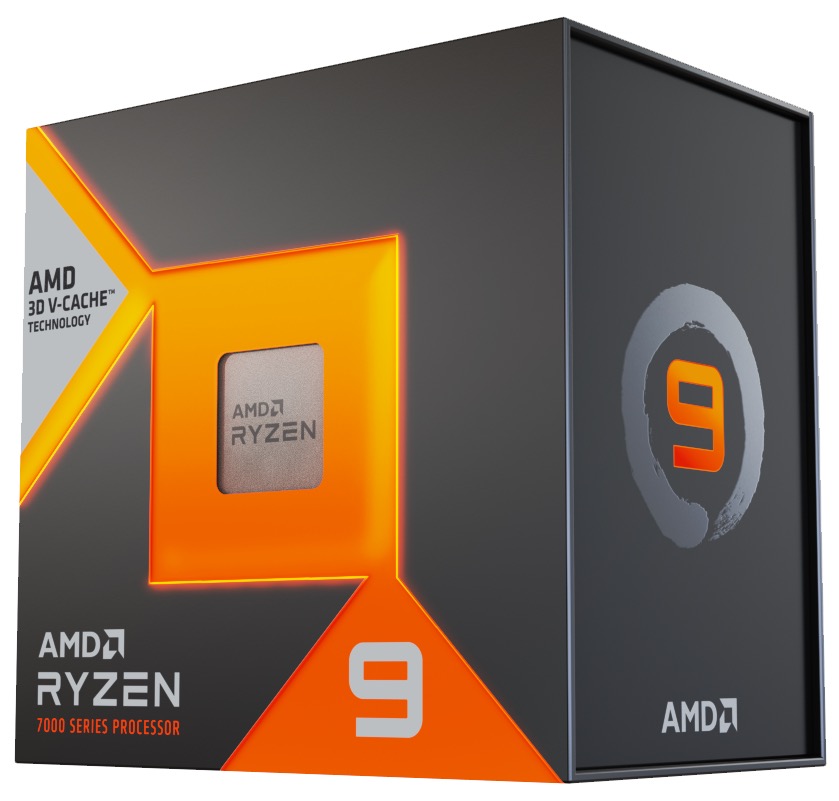
5) AMD Ryzen 9 7950X3D (Best Enthusiast Hybrid)
Best for high-budget users who want strong gaming plus creator workload flexibility.
Common Buying Mistakes for CPU for Gaming
- Overbuying CPU while underfunding GPU. Gaming balance usually suffers.
- Ignoring motherboard and cooling cost. Platform budget is part of CPU choice.
- Chasing core count without use-case need. Extra cores are not always gaming gains.
- Skipping BIOS and memory compatibility checks. Build friction can delay performance.
- Using weak cooling on high-power chips. Thermal throttling reduces real value.
Build Budget Split Rule of Thumb
- Set resolution and FPS target first.
- Allocate GPU budget accordingly.
- Choose CPU tier that avoids bottlenecks at that target.
- Reserve budget for cooler, board, and RAM stability.
Before checkout, verify motherboard BIOS support for your chosen chip and confirm cooler clearance in your case. These two checks prevent the most common first-build delays and protect the performance you paid for.
Last updated: March 1, 2026. Prices and availability subject to change.