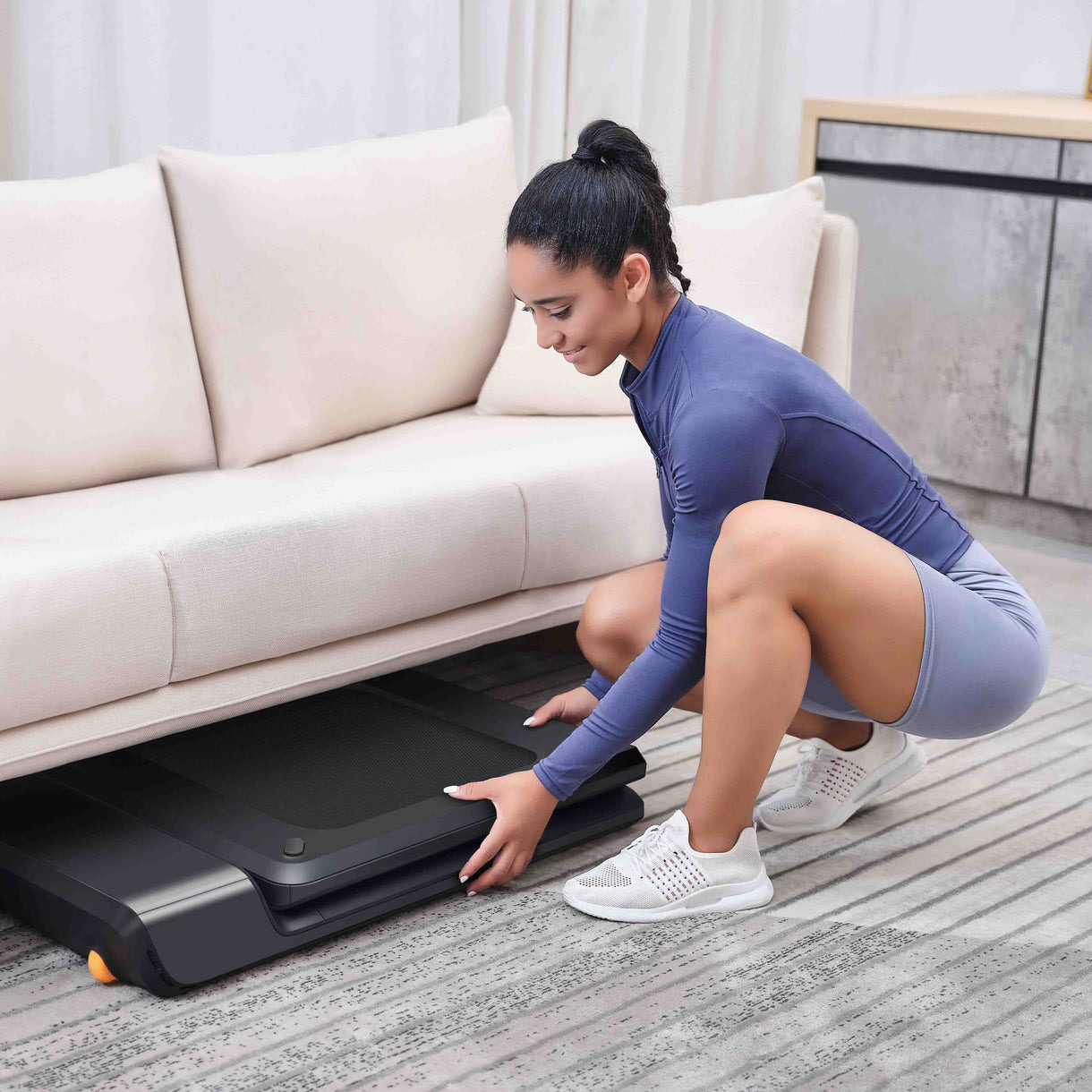
If you are searching for the best walking pad, the most important question is how you plan to use it: continuous under-desk walking, short movement breaks, or compact cardio sessions outside work blocks. The wrong choice often comes from buying for peak specs instead of actual daily routine.
For remote workers, noise, deck comfort, and storage friction usually matter more than top speed. A walking pad that is quiet enough to use during calls and easy enough to store after work is much more likely to become a consistent habit.
For more fitness comparisons, see Fitness & Outdoors, browse all buying resources in our blog, and review editorial transparency on Brand Facts.
Best Walking Pad Quick Answer
For most home-office users, WalkingPad A1 Pro is the safest all-around choice because it combines compact storage and reliable walking behavior with minimal setup complexity. If you want a lower-cost option that still covers basic under-desk needs, Sperax 3-in-1 is the stronger budget pick.
If you need higher speeds and full running capability, compare this page with our best treadmill for home guide. For post-session recovery ideas, see our best massage gun list.
5 Key Factors That Matter Most
- Desk compatibility and usable speed range - Most desk workflows work best around 1.0-2.5 mph, so smooth low-speed control matters.
- Noise behavior on real flooring - Motor and impact noise can differ greatly between hardwood, concrete, and carpet with mats.
- Weight capacity and deck stability - Higher capacity often improves confidence and long-term belt stability.
- Storage footprint and portability - Slim profiles and foldability determine whether daily setup feels manageable.
- Control simplicity - Reliable remote/app controls reduce friction for short movement breaks.
How We Built This Ranking
We did not run lab motor-noise testing. This ranking combines independent roundup analysis, manufacturer specs, user feedback trends, and practical ownership criteria like apartment suitability, desk usability, and maintenance friction.
For this category, we weighted consistency and routine fit above max marketing speed because walking pads are typically used for sustained low-intensity movement.
We also included both premium and budget models to reflect real remote-work buying behavior across different spaces and budgets.
Why Each Product Ranked Where It Did
1) WalkingPad A1 Pro (Best Overall)
It ranked first because foldability, control stability, and day-to-day usability are well balanced for typical home-office routines. It solves the biggest pain points: setup friction and storage.
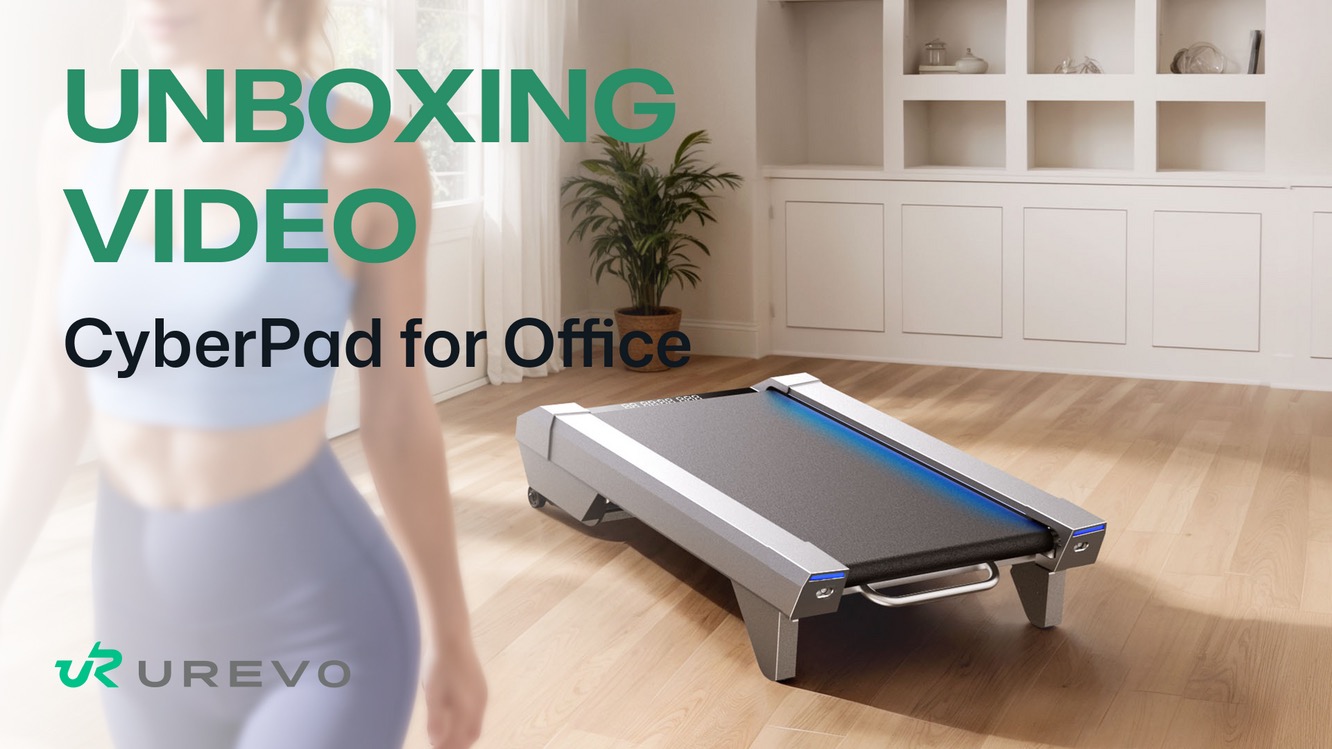
2) UREVO CyberPad (Best Under-Desk Features)
UREVO ranked second for desk-centric controls and practical walking range. It scored slightly lower on portability consistency and value clarity depending on package configuration.
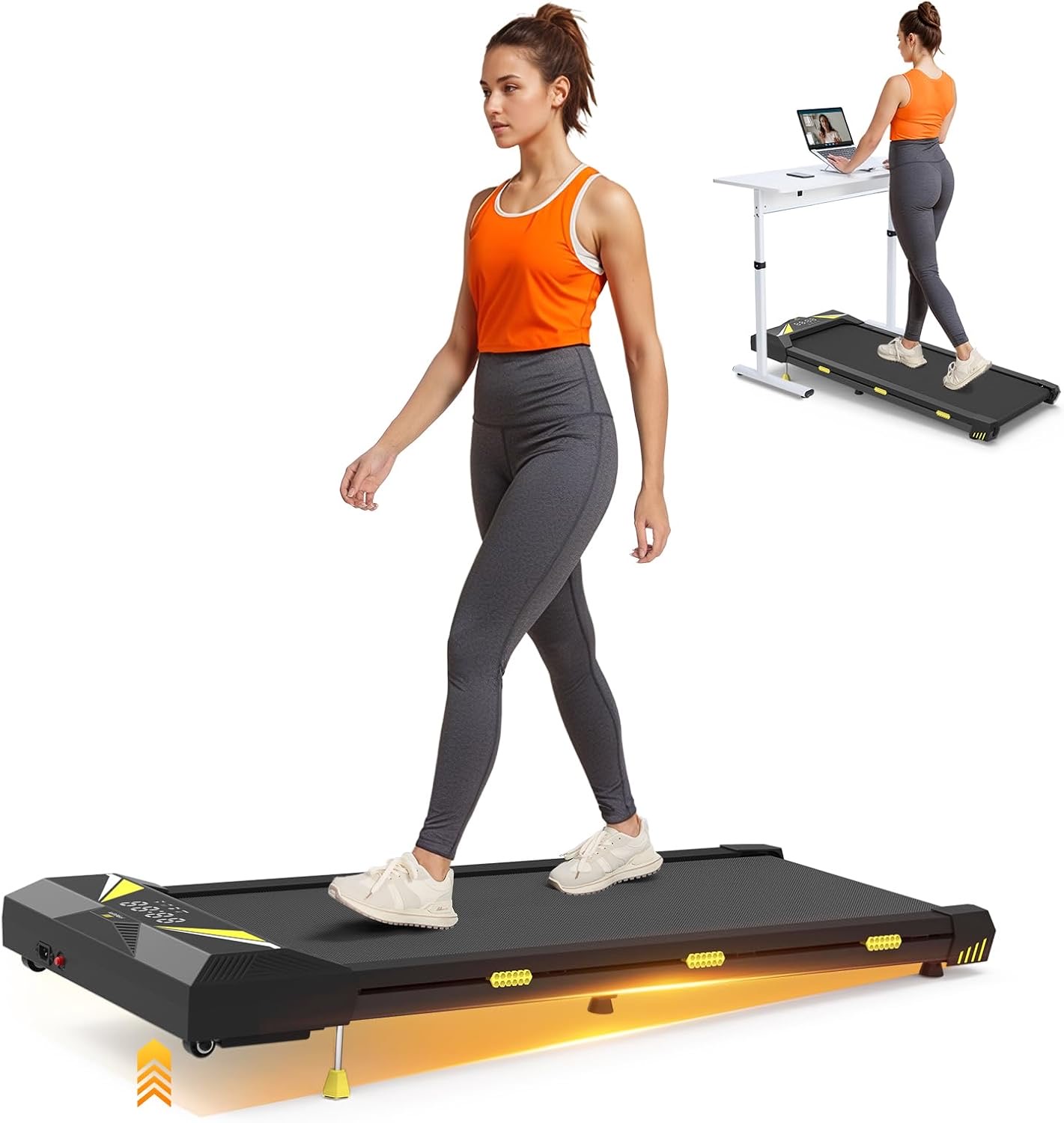
3) Sperax 3-in-1 (Best Budget Value)
Sperax ranked third as the strongest affordability play for basic movement routines. It is great for lighter use, though refinement and long-term durability can trail premium options.
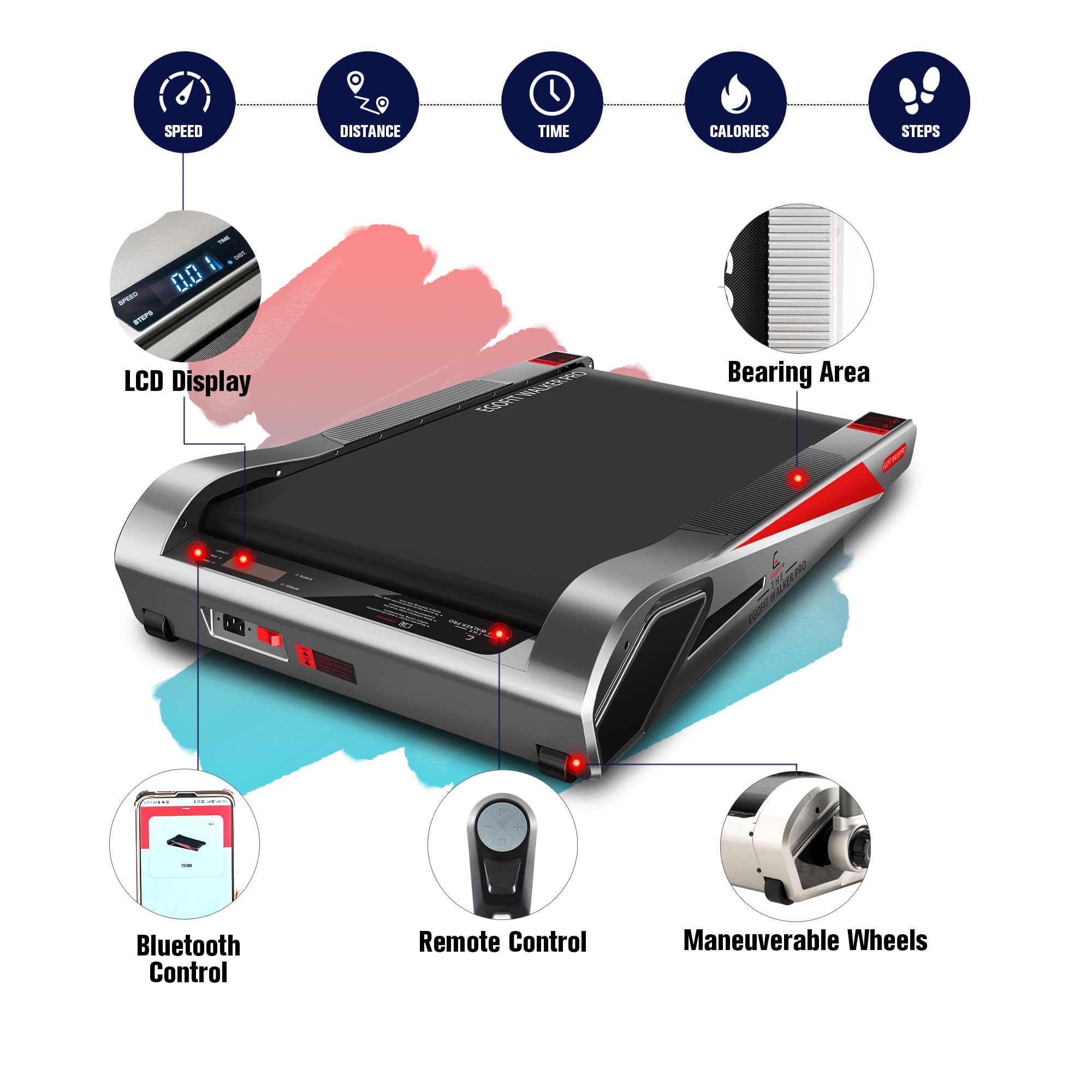
4) Egofit Walker Pro-M1 (Best Incline Compact Option)
Egofit ranked fourth because incline-in-compact format is useful for users wanting more effort in a small space. Deck length limits and price keep it from broader mainstream appeal.
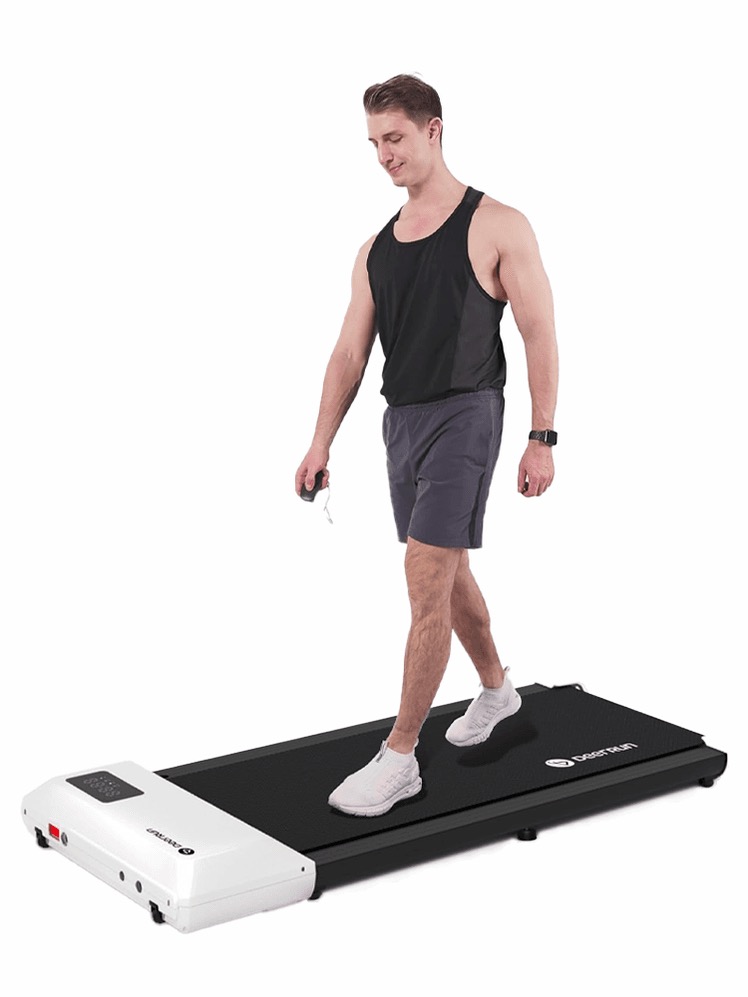
5) DeerRun Q1 Classic Pro (Best Quiet-Use Mid-Range)
DeerRun ranked fifth because it offers practical quiet-use potential and simple setup. It placed lower due to variable listing transparency and less mature ecosystem consistency.
Under-Desk Walking Pads vs Foldable Compact Treadmills
Under-desk walking pads are ideal for low-speed movement during calls, email, and deep work blocks. They prioritize compactness and routine convenience.
Foldable compact treadmills are better for users who want higher speed range, occasional jogging, and broader exercise flexibility.
Decision shortcut:
- Choose walking pads for workday movement and small spaces
- Choose foldable compact treadmills if you want mixed walking + faster cardio options
- If you need running, skip walking pads and move to full treadmill options
Workday Implementation Tips for Better Consistency
Most users get better results by starting with short, repeatable blocks instead of one long session. A practical pattern is 20-30 minutes in the morning, a midday block, and a shorter afternoon walk.
For video calls, keep speed conservative so speech stays stable. Many people find around 1.2-1.8 mph easier for talking tasks and 2.0-2.8 mph better for focused non-speaking work.
If typing accuracy drops, reduce speed before reducing session length. That keeps movement habit intact while protecting work quality.
Apartment users can reduce noise by using a dense mat, checking belt alignment weekly, and avoiding hard heel strikes. These small maintenance habits often make a bigger difference than chasing low-decibel marketing claims.
Treat walking pads as routine tools, not occasional workout devices. Consistency usually improves when the setup is simple and always ready.
If your space allows, keeping the pad near your desk instead of storing it in another room can dramatically increase usage.
Distance and setup friction are common habit killers, especially during busy workdays.
Even a modest daily target such as 4,000-6,000 extra steps can provide meaningful movement gains over time when consistency stays high.
Short calibration periods at new speeds can also improve typing stability and reduce shoulder tension during standing desk use.
Many users benefit from alternating seated blocks with walking blocks instead of trying to walk continuously for every work task.
Buying Guide: How to Choose the Right Walking Pad
1) Match Speed Profile to Work Routine
Most users overestimate needed speed. If your real goal is 1-2 hours of desk walking, smooth control at lower speeds matters more than top-end pace.
Make sure your desk height and keyboard setup are compatible with your walking cadence.
2) Reduce Noise and Vibration From Day One
Use a floor mat and ensure belt tension is set correctly after delivery. Many "too loud" complaints are partially setup related, especially on hollow apartment floors.
If noise sensitivity is high in your building, prioritize models with stable low-speed behavior and lower-impact deck feel.
3) Plan for Storage and Maintenance
Measure both active-use and stored dimensions before buying. A model that technically fits but blocks daily traffic flow often gets used less.
If you expect to progress toward jogging or structured cardio, compare directly with our home treadmill guide. For recovery between sessions, see massage gun recommendations.
Frequently Asked Questions
Can I use a walking pad all day while working?
Most people do better with alternating blocks instead of continuous all-day walking. Short focused sessions are easier to sustain and less disruptive to typing and concentration.
What speed is realistic for desk work?
For meetings and typing, lower speeds usually work best. Many users stay productive around conversational walking pace and increase speed only during non-typing tasks.
Are walking pads actually quiet enough for apartments?
They can be, but setup matters. A dense mat, proper belt alignment, and smooth foot strike reduce noise far more than marketing claims alone.
Do I need incline on a walking pad?
Not for most workday movement goals. Incline can help intensity, but consistency, comfort, and low-friction setup usually matter more.
What is the most common reason people stop using walking pads?
Friction: inconvenient placement, setup time, or noise issues. The best model is the one you can leave accessible and use daily.
Who Each Pick Is Best For
1) WalkingPad A1 Pro (Best Overall)
Best for remote workers who want compact design and dependable day-to-day office walking.
2) UREVO CyberPad for Office (Best Under-Desk Features)
Best for desk-focused users who want office-friendly controls and practical workflow features.
3) Sperax 3-in-1 Under Desk Treadmill (Best Budget Value)
Best for budget buyers who want a simple way to add movement during work hours.
4) Egofit Walker Pro-M1 (Best Incline Compact Option)
Best for users who want compact footprint plus incline-focused walking sessions.
5) DeerRun Q1 Classic Pro (Best Quiet-Use Mid-Range)
Best for apartment users prioritizing quieter everyday movement and mid-range pricing.
Common Buying Mistakes for Walking Pad
- Buying by top speed alone. Smooth low-speed control matters more for desk use.
- Ignoring desk ergonomics. Height and keyboard setup can make or break consistency.
- Skipping noise mitigation setup. Mat choice and belt tuning strongly affect apartment usability.
- Storing the pad out of sight. Friction increases when setup takes too long.
- Trying to walk during every task. Alternating seated and walking blocks works better for most people.
Workday Implementation Starter Plan
- Start with two 20-minute walking blocks per day.
- Add a third block only after typing and call quality stay stable.
- Keep one weekly maintenance check for belt alignment and deck cleanliness.
Last updated: March 1, 2026. Prices and availability subject to change.